
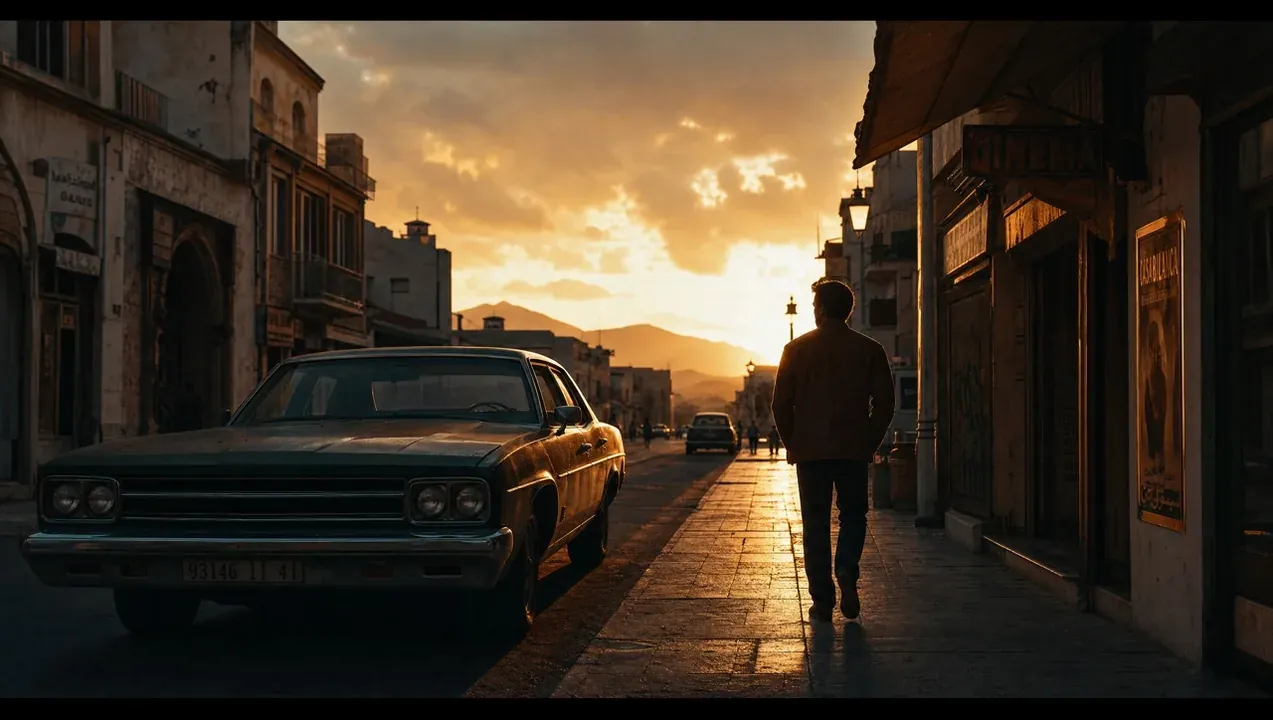
Most AI music videos fail for the same three reasons: the character changes face every shot, the motion feels rubbery, and the whole thing is left ungraded so it looks like a tech demo. Here's the pipeline we use to avoid all three and ship videos labels actually want to release.
Step 1: Lock the character before you generate a single scene
Consistency is everything. We build a reference identity first — a small set of locked frames that define the face, wardrobe and lighting — and feed it into every generation. Without this anchor, the "artist" mutates between cuts and the illusion collapses.
If the audience notices the AI, you've already lost. Consistency is what keeps them inside the story.
Step 2: Generate for editing, not for showing off
We don't chase one perfect ten-second clip. We generate lots of short, controllable beats — two to four seconds each — so the edit has options. Long generations look impressive alone but box you in when you're cutting to a track.
- Match each beat to a moment in the song (verse, build, drop)
- Keep camera moves simple and repeatable
- Always generate a few "safety" angles for transitions
Step 3: Fix the motion in post
Raw AI motion is the giveaway. We stabilize, retime and sometimes re-time individual segments to the beat. A little motion blur and frame blending hides the synthetic edges.
Step 4: Grade it like a real film
This is the step almost everyone skips — and it's the one that sells the whole thing. A unified cinematic grade ties mismatched generations together and gives the video a single mood. Generic in, cinematic out.
The result is a video that reads as intentional rather than generated. That gap — between a clever demo and a release-ready video — is exactly the work. Want to see examples? Browse our portfolio or start a project.